Hi this post assumes you already know the basics of animation such as: Spacing, Arcs, Ease in and Ease out. If you do not know i would advice you to master those at first. I will put some relevant links at the end of the post.
You know how spacing, arcs and ease works but you watch your animation and it feels off. Let us work on how to correct it.
Spotting the error in your animation
I made a few very basic animations to illustrate how this problem occurs and how to fix it.

Here is an animation that has an off feeling in it. Since this is a very basic animation it is extremely easy to notice where the problem occurs. However the technique i will show here will work on subtler examples too.
Track the spacing
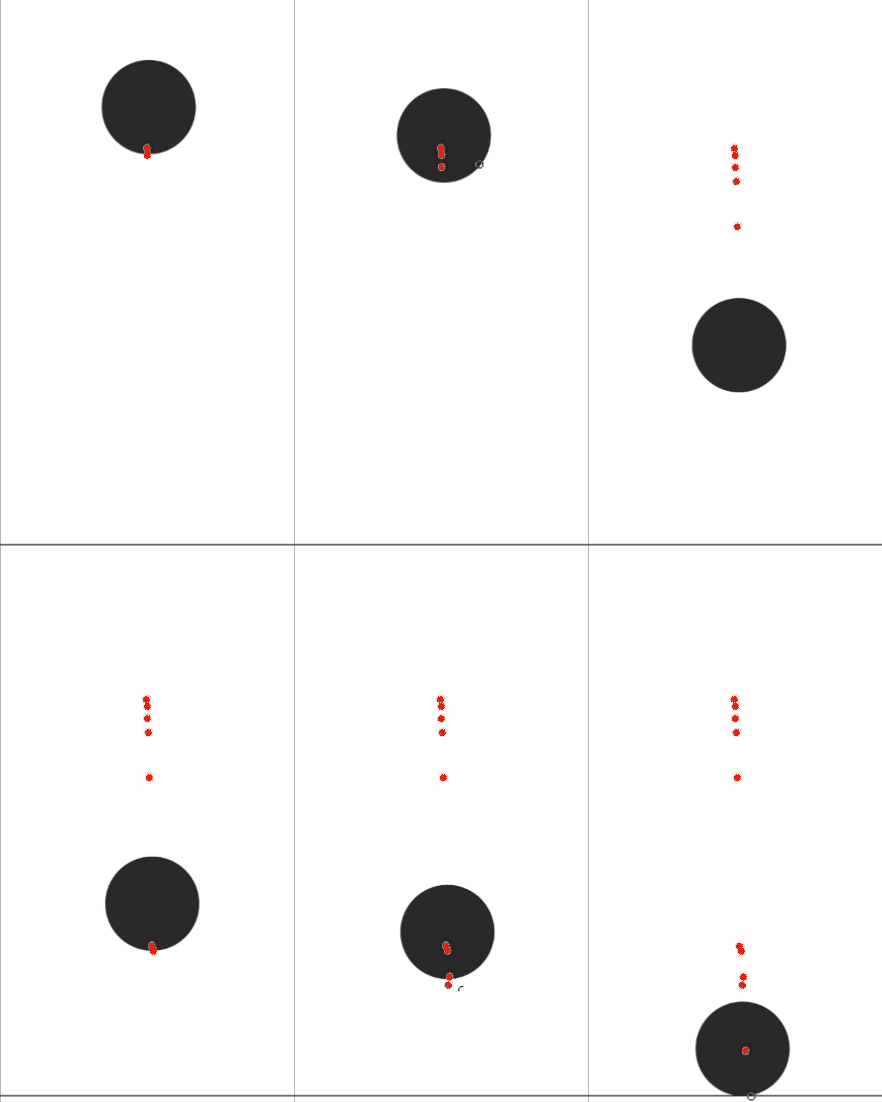
At first choose a part of your animated object that is consistent and easy to follow. Then create a new layer on top of your animation layer and do not key that layer. That layer will more or less act like a standart drawing layer. Then start putting red dots on the part you choose until you reach a keyframe. This will immediately give away the culprit.
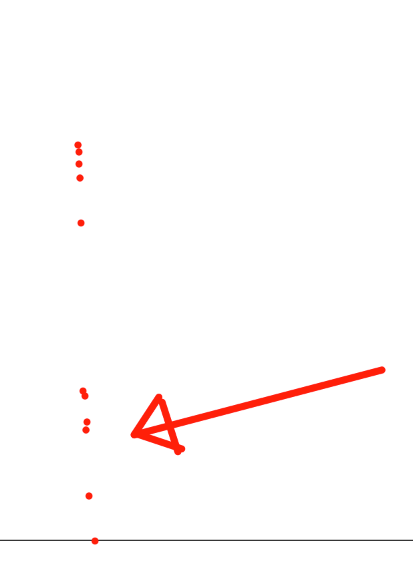
Fix the spacing
Simply fix the spacing by creating the dot route again. It is similar to creating a timing chart (Here are some videos on timing charts: 1, 2 ).
After you are satisfied with the new spacing. Simply animate again OR just change the problematic parts to fit the new spacing.
It sure does look fluid now!
Fix the Arcs!
Sometimes the problem is not in the spacing of the frames but rather arcs.
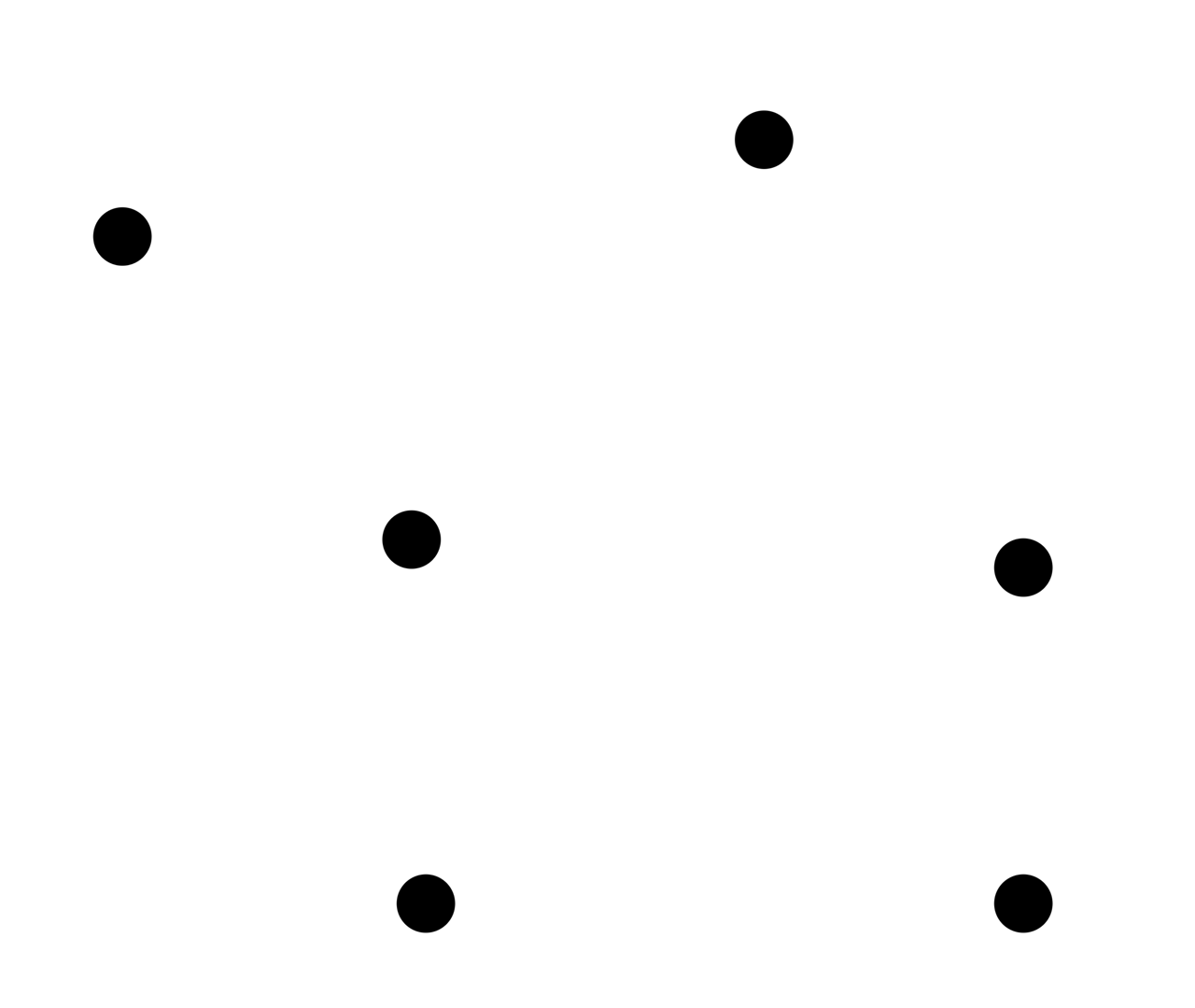
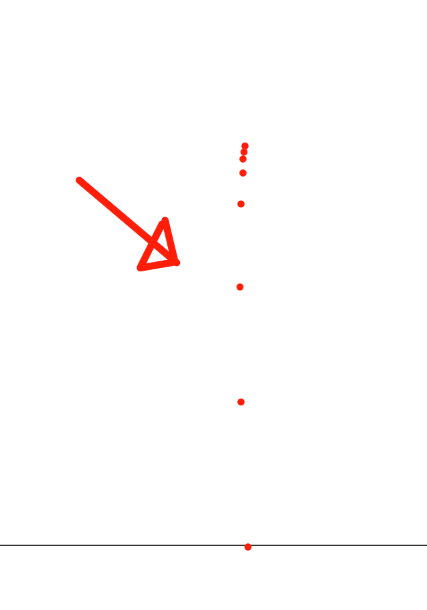
The spacing of the frames look rather fine in this context but at one point the object goes all over the places giving the feeling of twitching (Back in the old animation forum days people used to call this twitch and sometimes misleadingly as stiff.). In this animation it is blatantly obvious but that is not always the case. Just like with spacing sometimes it is hard to understand what is wrong with arcs. It might look normal but you whatever problem you are dealing with you will mostly going to feel the "offness" of the animation. So then once again we-
Track the spacing
We will track the spacing just the same. However on the extra we will now draw a line going through all the dots we have put on the screen to see the path the object takes more clearly. After doing that the culprit will be extremely obvious once again. Then we shall draw a correct path on top of the old wrong one and simply adjust the frames to fit the new path.
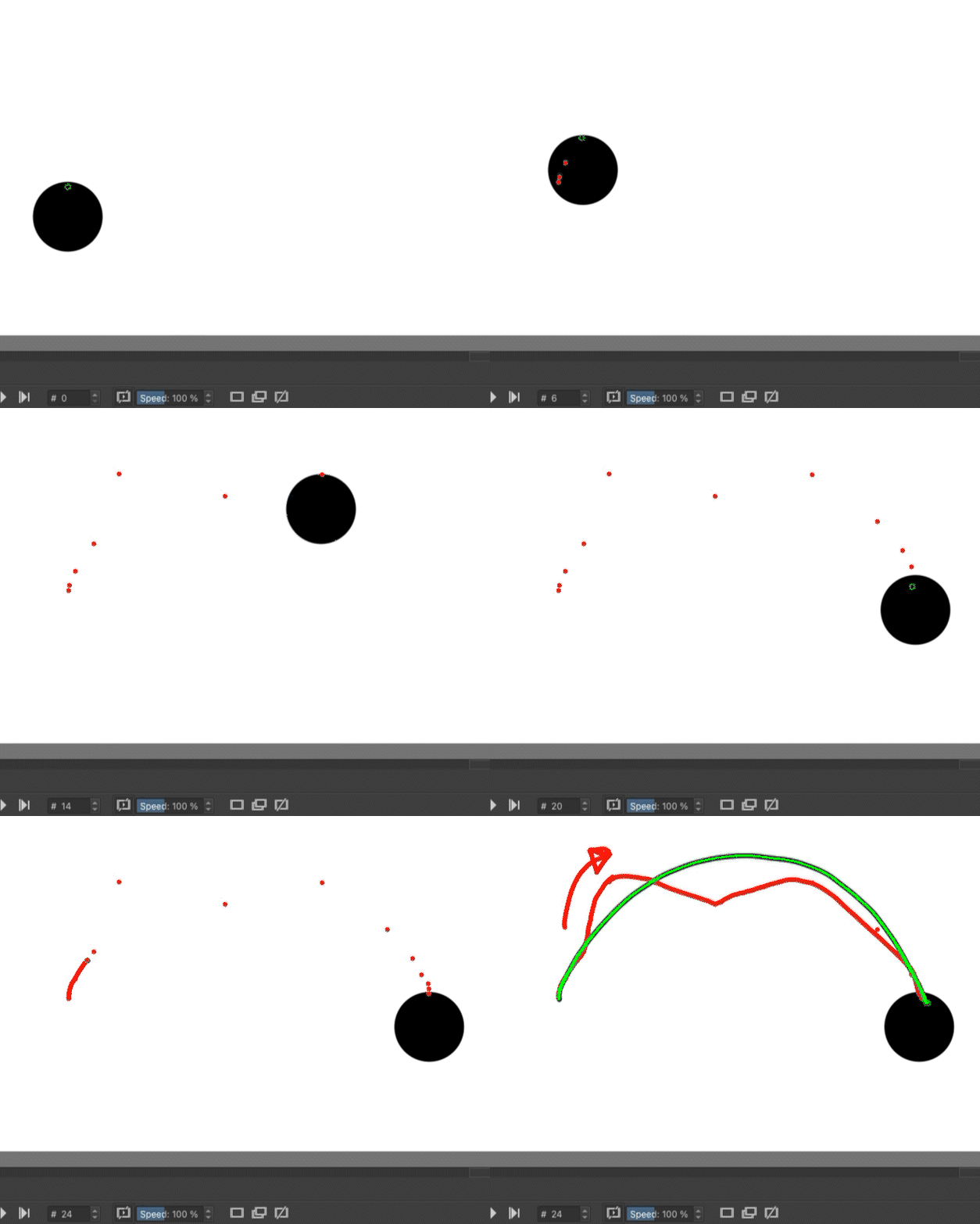
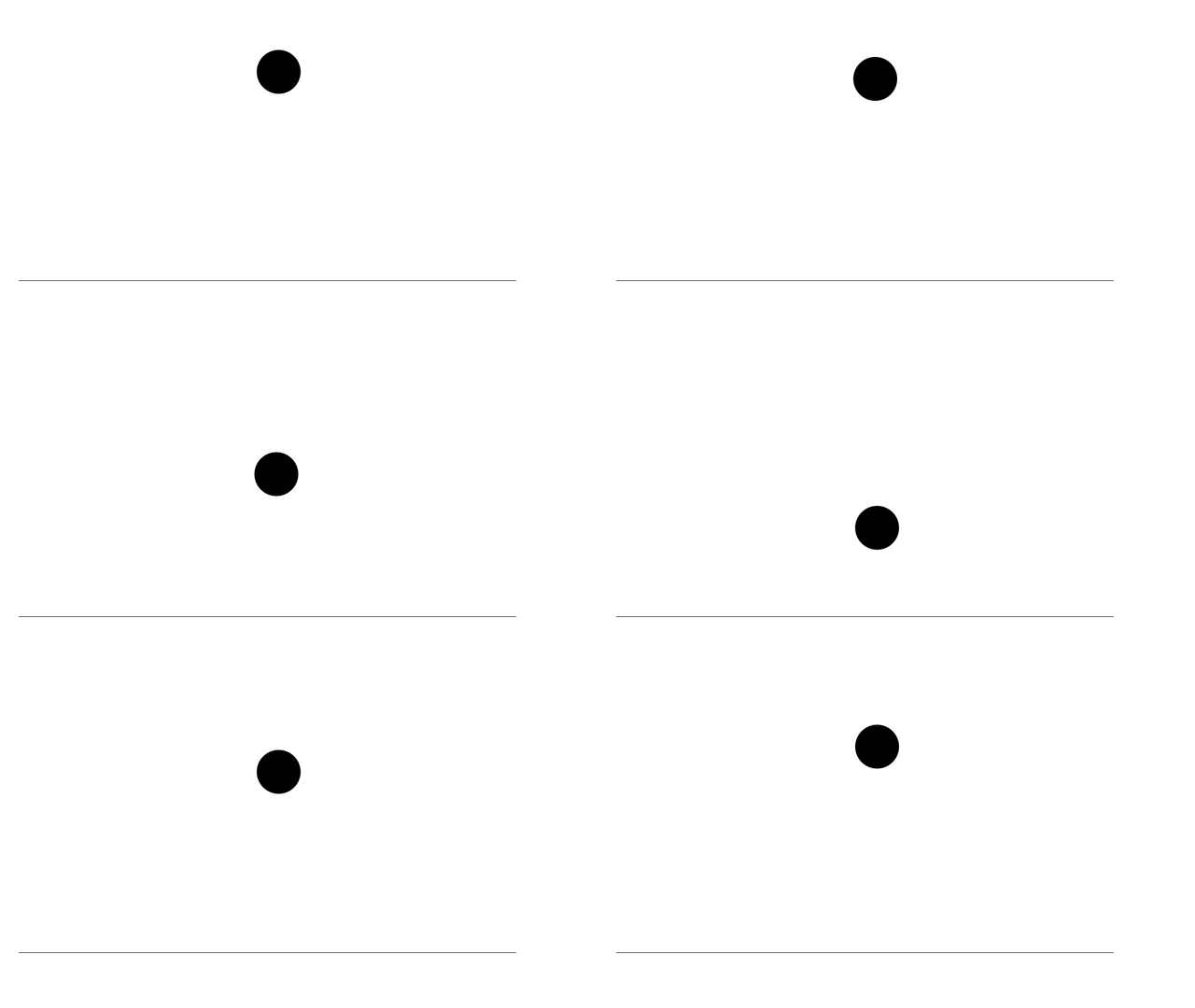
And here it is:
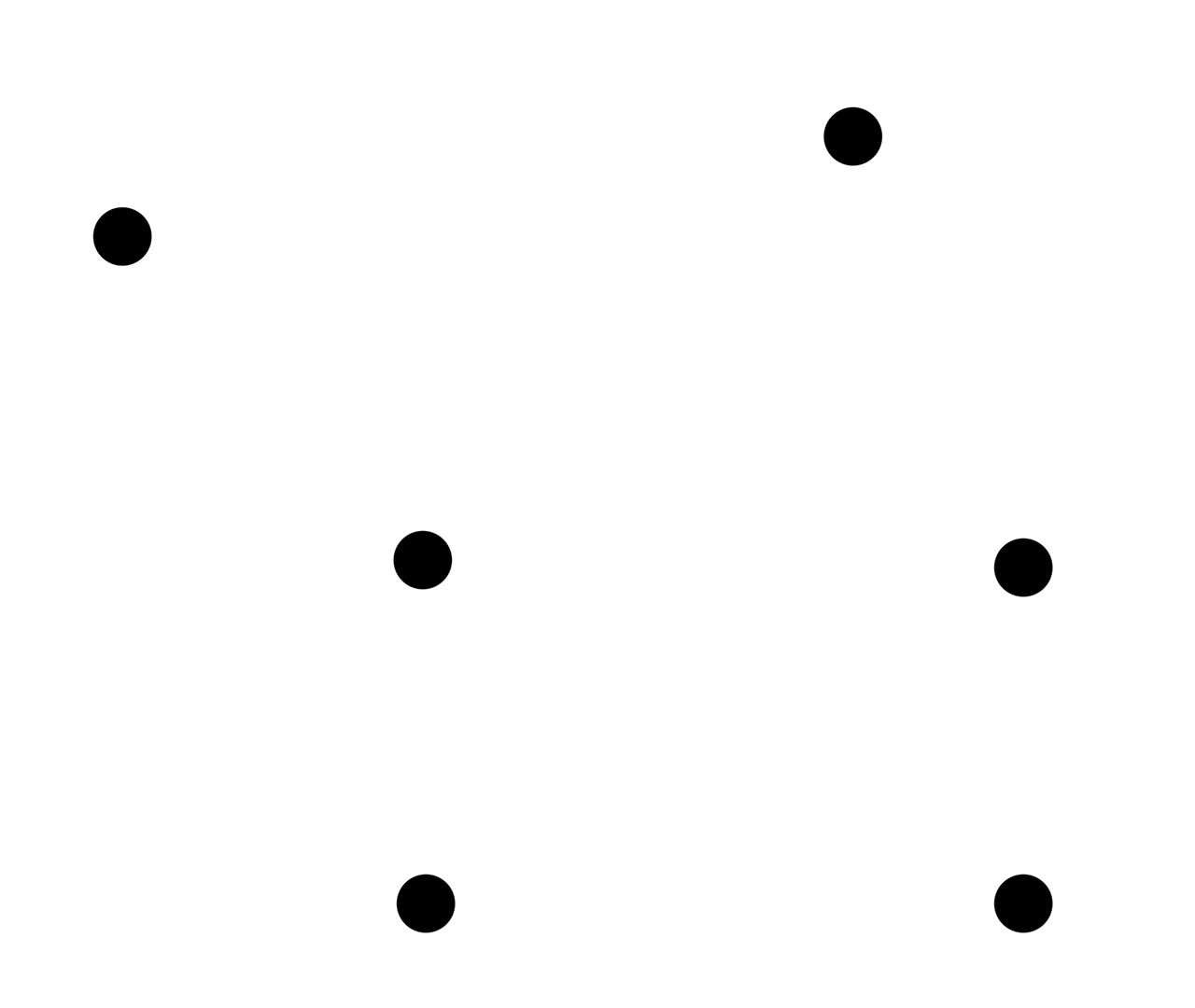
As an extra advice if you think both the spacing AND the arc is off then you might simply do all the same steps but draw the spacings on the arc you drew. This way you can make it easier for yourself to change the animation accordingly.
Thanks for reading. I hope this was useful!